
Emergencies and planned jobs collide
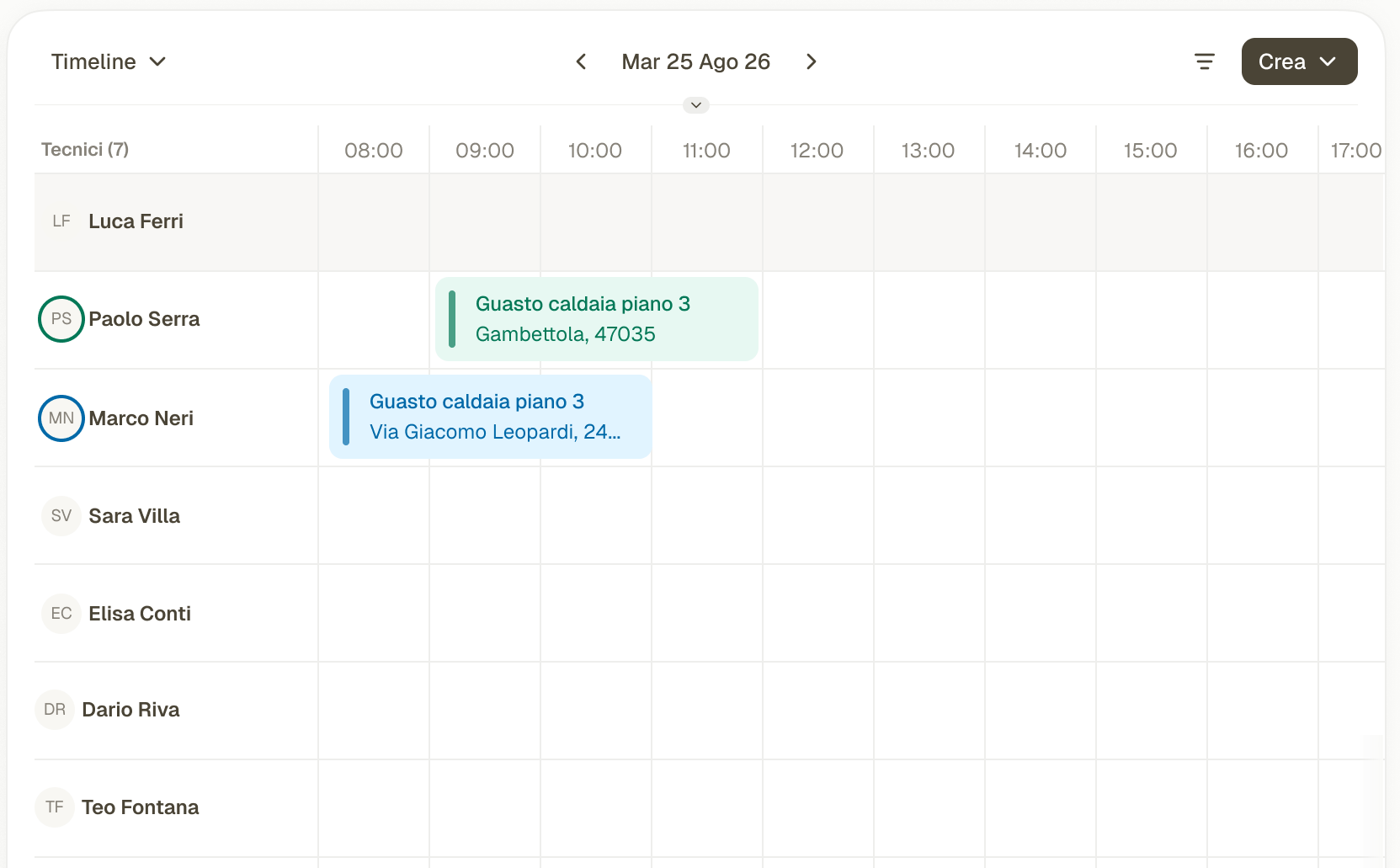
An urgent fault lands between jobs already booked. The schedule shows each technician's day.
Fieldup is built on HubSpot. Every piece of field data stays there, ready for your dashboards, workflows and third-party tools.
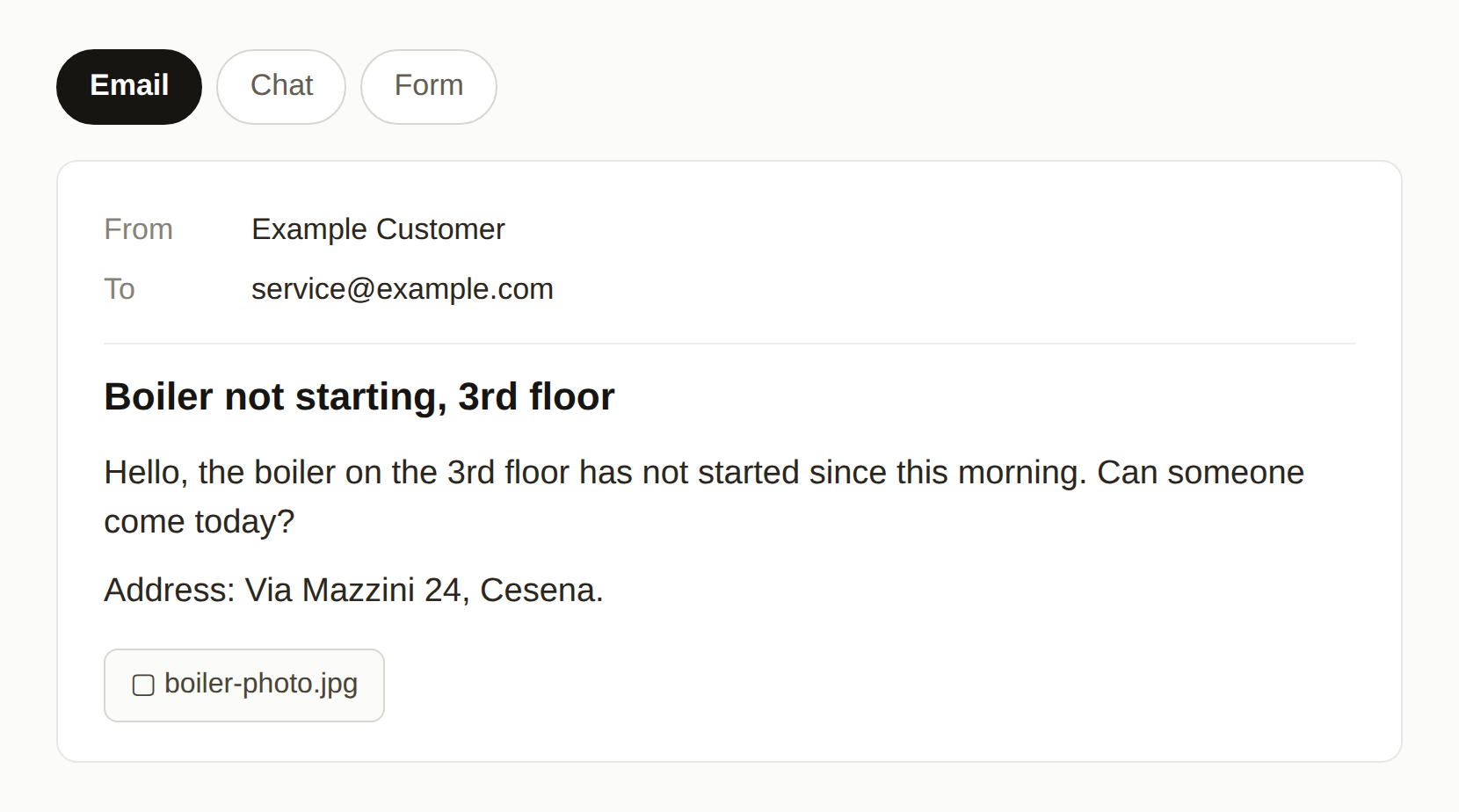
A customer request comes in by email, chat or form.
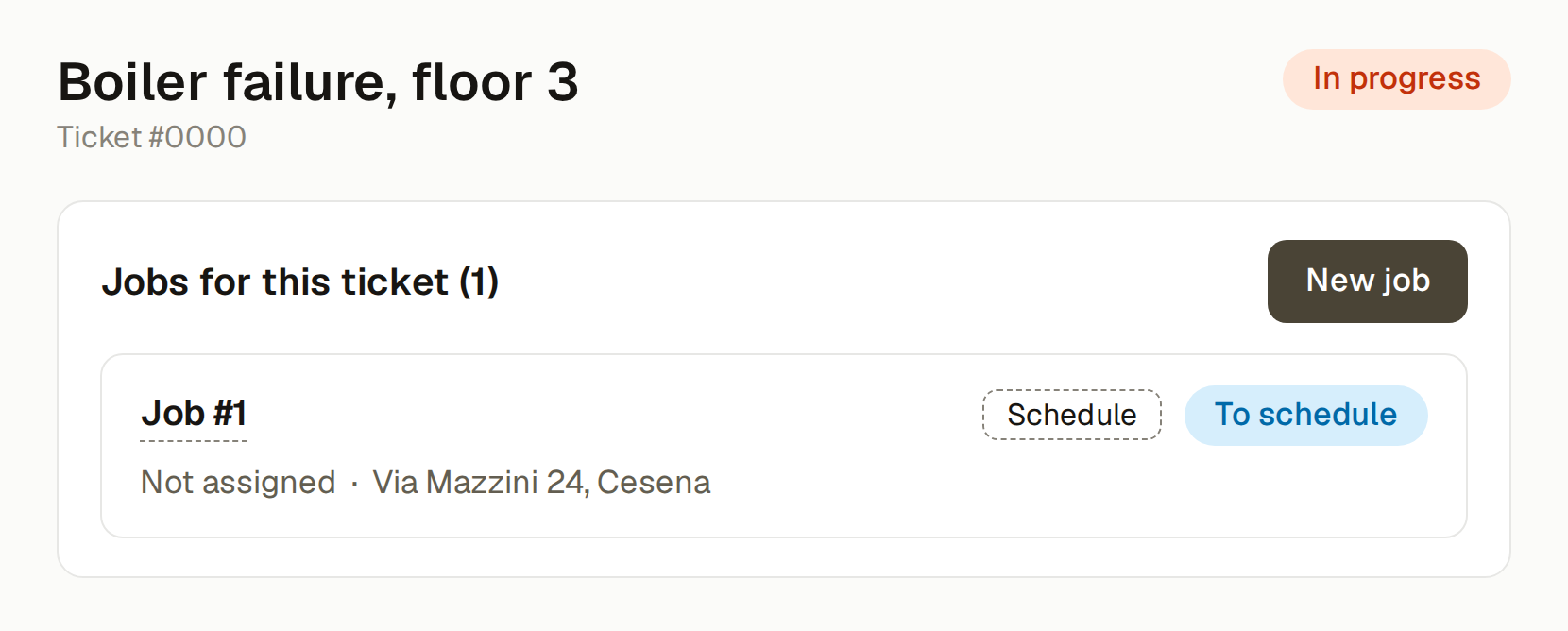
The request becomes a ticket in HubSpot. From the ticket you create the job, without leaving the CRM.
The back office picks the technician and the time. The job appears in the technician's app.
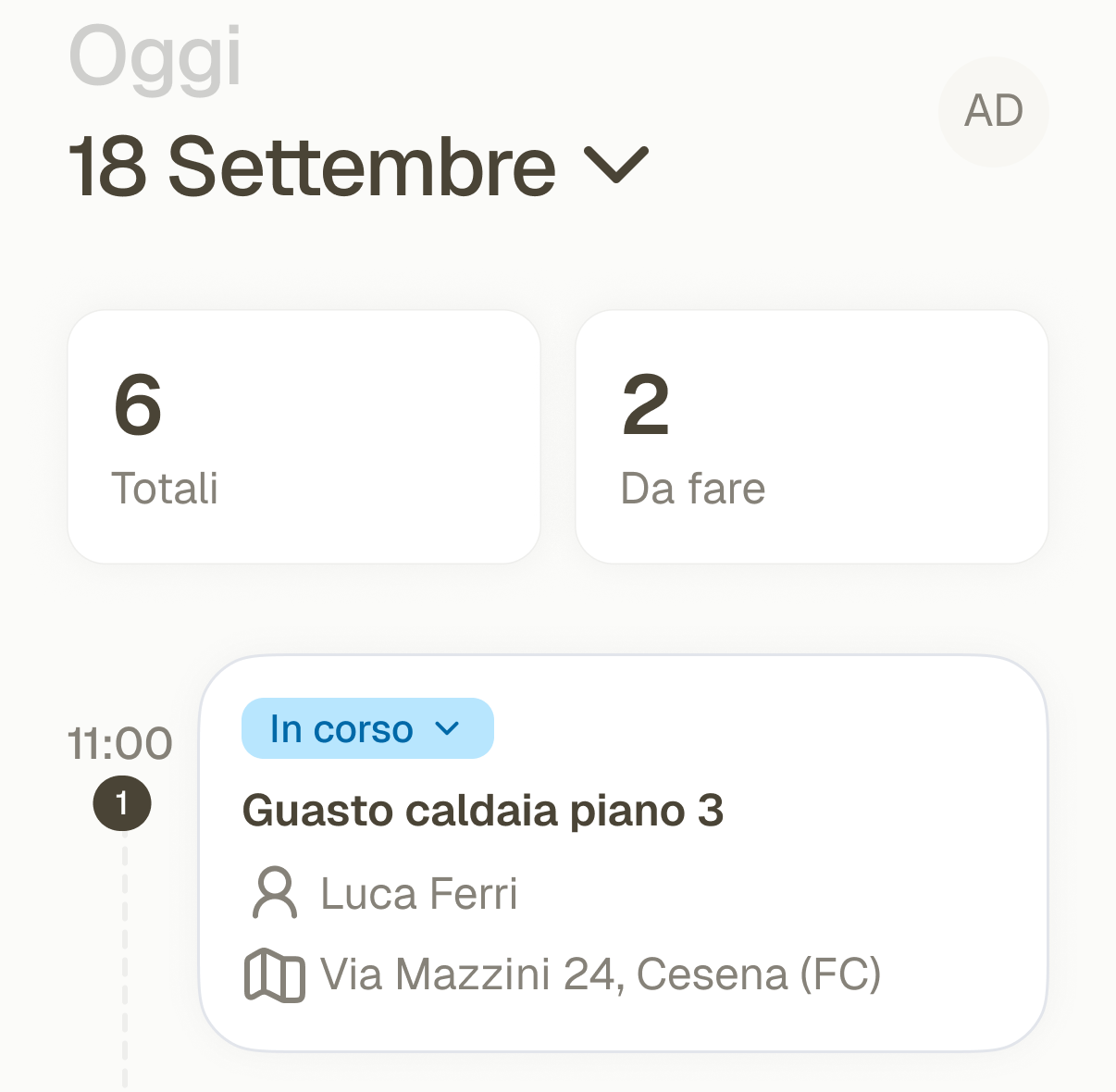
The technician opens the job on their phone and updates its status.
The technician fills in the job report. Spare parts and costs are added to the job.
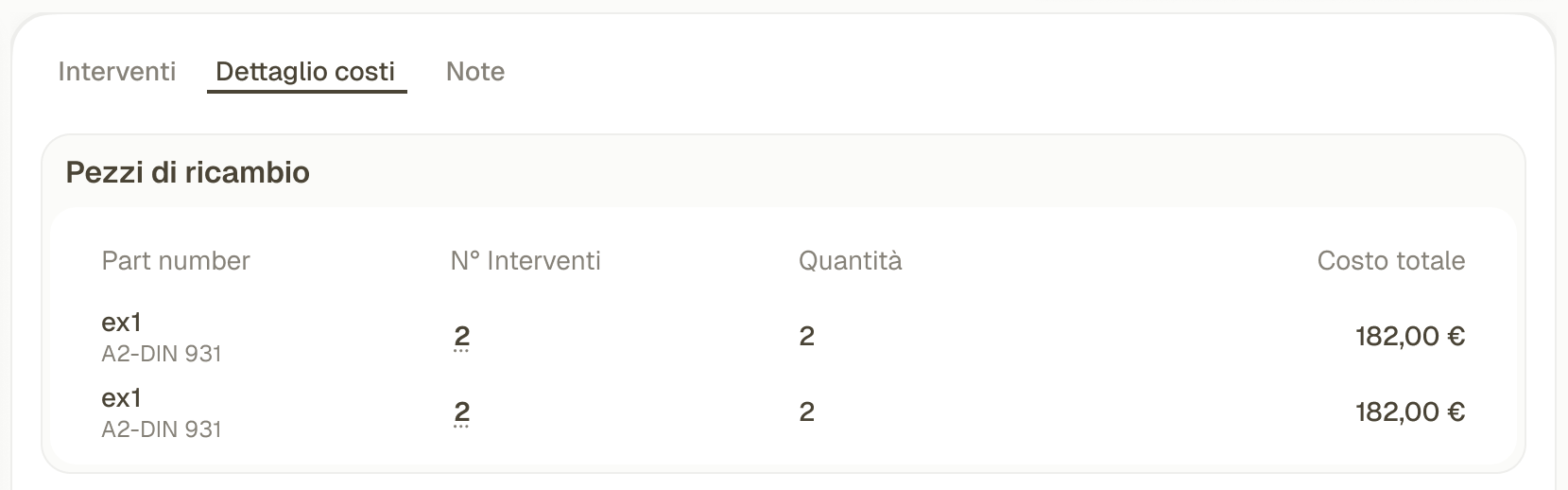
The job report and costs show up on the ticket, in HubSpot. Nothing is typed twice.
A customer request comes in by email, chat or form.
The request becomes a ticket in HubSpot. From the ticket you create the job, without leaving the CRM.
The back office picks the technician and the time. The job appears in the technician's app.
The technician opens the job on their phone and updates its status.
The technician fills in the job report. Spare parts and costs are added to the job.
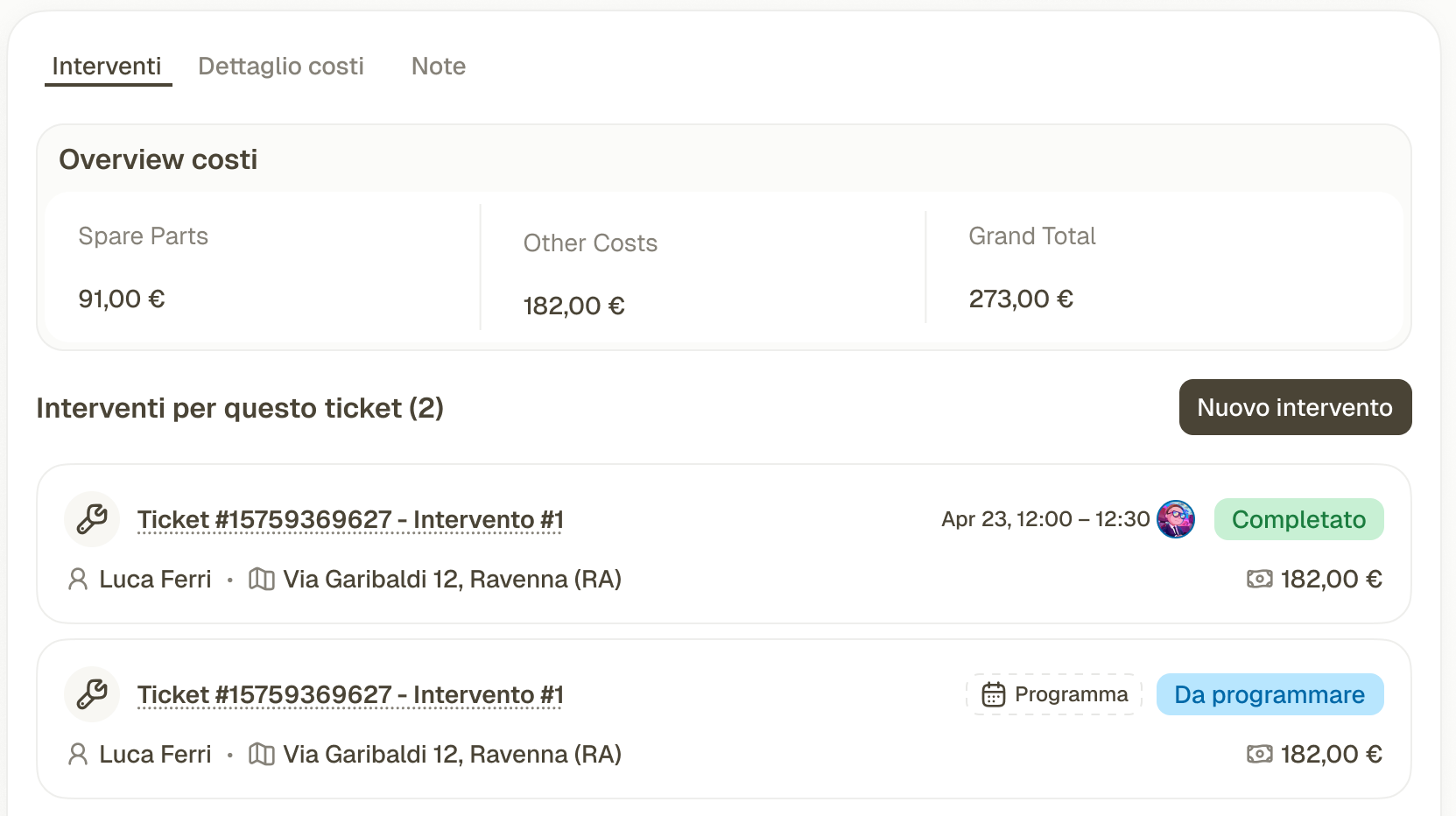
The job report and costs show up on the ticket, in HubSpot. Nothing is typed twice.
The schedule shows each technician's day, urgent requests and planned work.
The ticket's address, notes and attachments arrive in the technician's app.
Parts and job costs are logged on the ticket: labor, transport, travel, taxes.